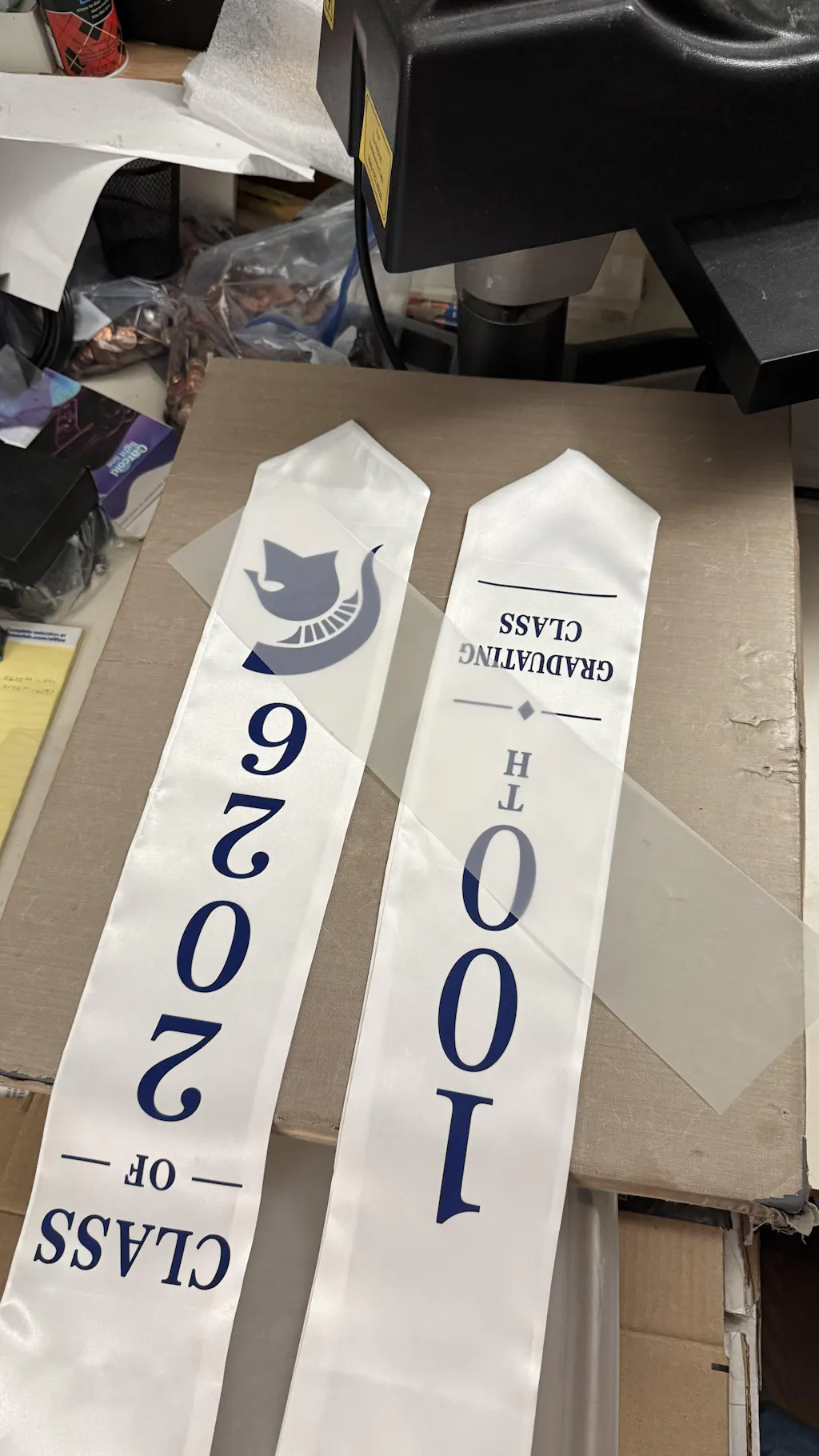
Step-by-Step DTF Instructions for Professional Results
Mastering the DTF Printing Transfer process is the key to creating high-quality custom apparel. While the technology is powerful, following a precise workflow is essential. If you skip a step, you risk peeling, fading, or rough textures. This guide provides clear, easy-to-follow DTF Instructions. Whether you are a beginner or an expert, these steps will ensure your prints look retail-ready every time.
DTF Instructions
Step 1: Prepare Your Artwork
Quality starts with your file. A blurry image will result in a blurry print.
-
High Resolution: Always use 300 DPI for your designs.
-
Transparent Background: Save your files in PNG or TIFF format without a background.
-
Color Mode: Use CMYK for the most accurate color reproduction.
-
Mirroring: Remember to mirror your design horizontally before printing.
Step 2: Printing with Premium Supplies
Your hardware is only as good as your consumables. For the best results, use high-quality
-
Load your PET film into the printer. Ensure the matte side is facing the printhead.
-
Send your design to the printer using your preferred RIP software.
-
The printer will apply the CMYK layer first, followed by a solid white ink layer.
Step 3: Applying the Adhesive Powder
This step creates the bond between the ink and the fabric.
-
Coverage: While the ink is still wet, apply the DTF adhesive powder evenly over the design.
-
The Shake: Gently shake the film to ensure every part of the ink is covered.
-
Excess Removal: Tap the back of the film to remove any extra powder. This prevents "specks" on your final garment.
Step 4: Curing the Transfer
The powder needs to melt into a thin, flexible glue layer.
-
Using an Oven: Place the film in a DTF curing oven at 110°C - 125°C for about 2 to 3 minutes.
-
Using a Heat Press: Hover the heat press 1 cm above the film for the same amount of time.
-
The Finish: The powder should look like an "orange peel"—melted and slightly shiny.
Step 5: The Heat Press Application
Now it is time to move your design onto the garment.
-
Pre-press: Press your garment for 5 seconds to remove moisture and wrinkles.
-
Placement: Align your transfer on the fabric. If you are unsure of the dimensions, check our
DTF Transfers by Size -
The Press: Set your heat press to 160°C. Press with medium pressure for 15 seconds.
Step 6: Peeling and Finishing
How you peel the film determines the sharpness of your design.
-
The Cold Peel: Most high-end films require you to wait until the garment is completely cool.
-
Slow Motion: Gently peel the film from one corner. If the design lifts, stop and press it again for 5 more seconds.
-
The Final Seal: Place a Teflon sheet or parchment paper over the design. Press one last time for 5 seconds. This locks the
DTF Ink
Connect and Learn More
We share live demonstrations and troubleshooting tips every day. Join our community to stay ahead of the curve:
Conclusion: Quality You Can Feel DTF Instructions
Following these DTF Instructions ensures a soft-hand feel and vibrant colors. By choosing the right
Happy printing! With a bit of practice, you will be producing professional-grade apparel that your customers will love.