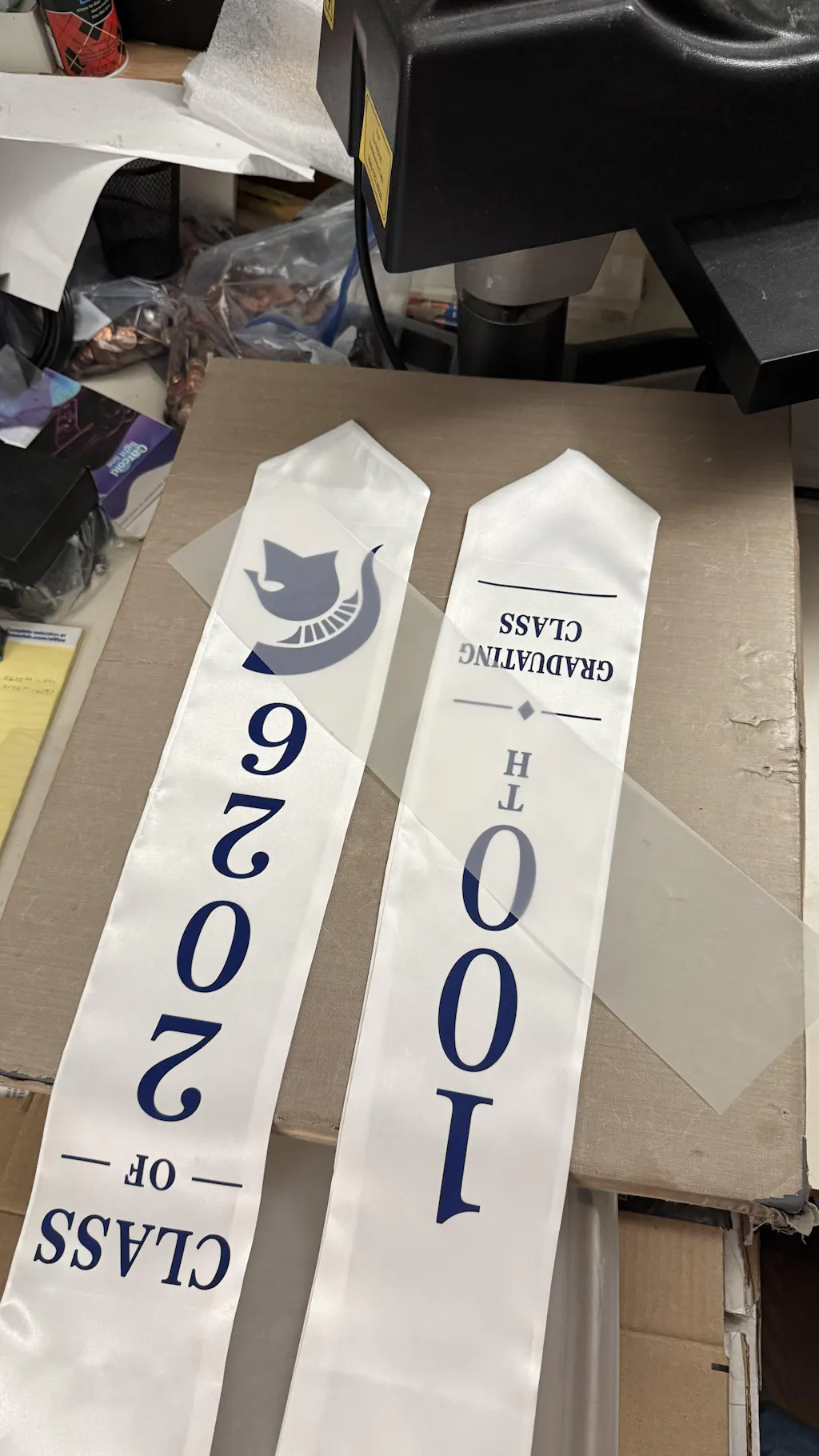
How to Make a DTF Transfer: A Complete Professional Guide
Making a Direct to Film (DTF) transfer is a precise process that combines digital printing with specialized chemistry. Unlike traditional methods, DTF allows you to create high-quality, stretchable designs that work on almost any fabric.
To achieve retail-quality results, you must follow a specific workflow. From preparing your artwork to the final curing stage, each step ensures your designs are vibrant and long-lasting.
If you are looking for stickers that work on hard surfaces like mugs or helmets, explore our
1. Prepare Your Digital Artwork
The first step in making a DTF transfer happens on your computer. Your design must be high resolution (at least 300 DPI) to ensure a crisp print.
-
Format: Use PNG or TIFF files with transparent backgrounds.
-
Color Profile: Work in CMYK mode for the most accurate color reproduction.
-
RIP Software: Use specialized software to tell the printer where to lay down the white ink layer.
2. Printing the Design
Once your file is ready, it is sent to a dedicated DTF printer. The printing happens in two distinct layers on a PET film.
-
Color Layer: The printer first applies the CMYK colors.
-
White Layer: Immediately after, a thick layer of white ink is printed over the colors. This acts as the "glue carrier" and provides opacity for dark garments.
3. Applying the Adhesive Powder
While the white ink is still wet, you must apply the TPU (Thermoplastic Polyurethane) adhesive powder. This is the "glue" that bonds the ink to the fabric.
-
Even Coating: Sprinkle the powder over the entire printed area.
-
Shaking: Shake the film gently to remove any excess powder from the transparent areas.
-
Cleanliness: Only the areas with wet ink should hold onto the powder.
4. Curing the Transfer
The powder needs to be melted into a solid adhesive layer. This process is called curing. You can use a curing oven or the hover method with a heat press.
-
Temperature: Set your oven or press to 110°C - 125°C.
-
Timing: Cure for 2 to 3 minutes.
-
Visual Check: The powder should melt until it looks like a glossy "orange peel" texture. It should not be yellow or scorched.
Essential Equipment Checklist
To make professional DTF transfers at scale, you will need the following tools:
-
DTF Printer: Equipped with white ink circulation systems.
-
PET Film: High-quality treated film for better ink release.
-
DTF Ink: Specialized pigment inks designed for film printing.
-
Adhesive Powder: Available in white or black (for dark garments).
-
Curing Oven: For consistent heat application.
Pro Tips for Quality Control
-
Humidity Control: Keep your print room between 40-60% humidity to prevent the white ink from clogging.
-
Ink Freshness: Always shake your white ink tanks daily to prevent pigment settling.
-
Storage: Store finished transfers in a cool, dry place inside a sealed bag to keep moisture out.
Join the Fast DTF Transfer Community
At Fast DTF Transfer, we provide the expertise and the materials to help you master the art of digital decoration. Whether you are making your first transfer or running a high-volume shop, we are your partner in success.
Follow us for more guides, tutorials, and industry updates:
-
Facebook:
Fast DTF Print Official -
Instagram:
@fastdtftransfer -
YouTube:
Fast DTF Transfer Channel -
TikTok:
@fastdtftransfer