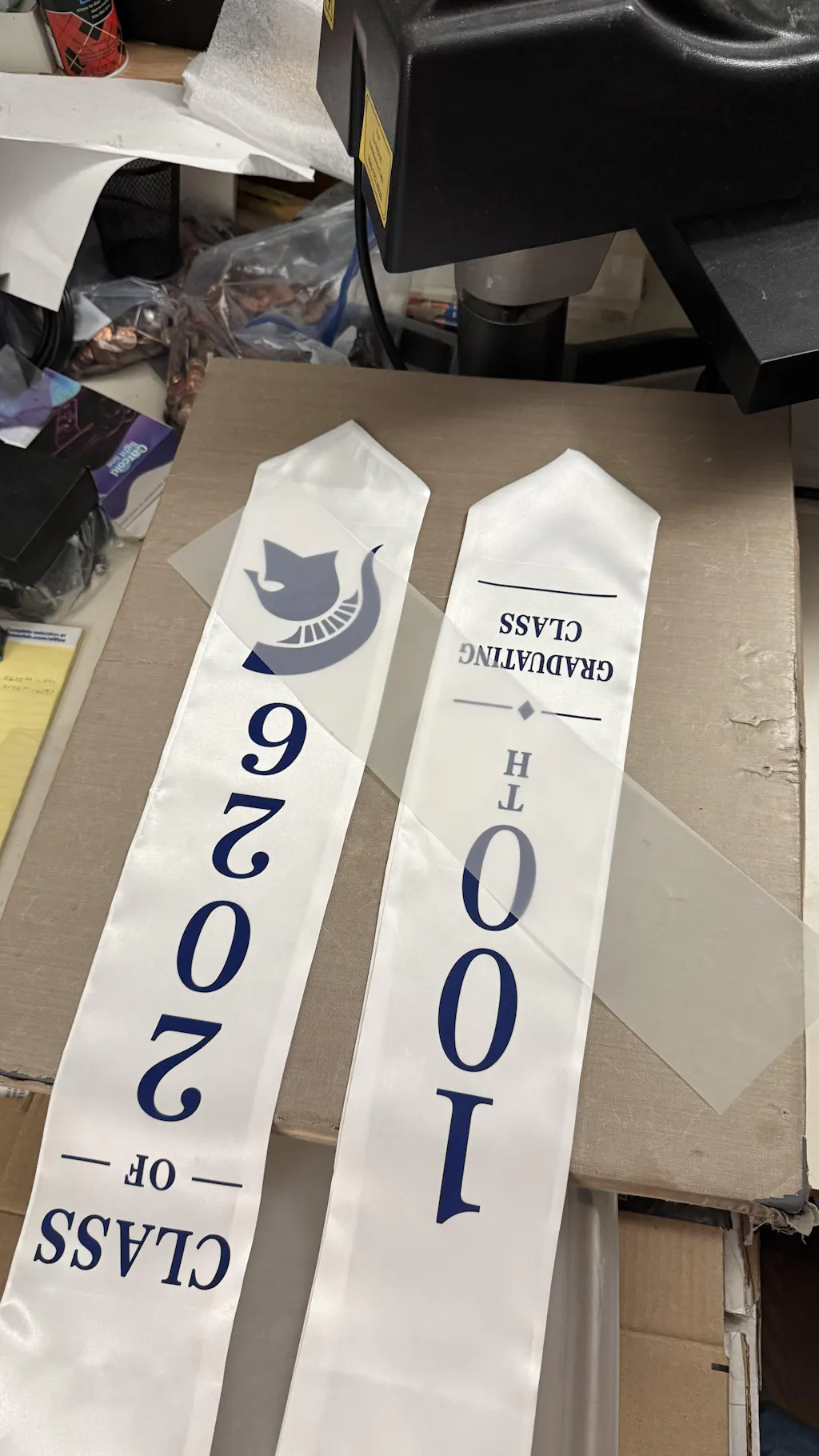
How to Make Your Own DTF Transfers: A Professional Roadmap
Creating your own Direct to Film (DTF) transfers gives you total control over your production. It allows for high-quality, custom apparel creation without the limits of traditional screen printing. When you make your own transfers, you can handle small orders and complex designs with ease.
This guide covers the technical steps needed to produce professional results. From choosing the right consumables to mastering the curing process, you can achieve retail-grade quality in your own shop.
To get the best color output for your designs, always use premium
1. Essential Equipment for Production
Before you start, you need a dedicated setup. Making your own transfers requires specific hardware and software working together.
-
DTF Printer: A printer equipped with a white ink circulation system.
-
RIP Software: Critical for managing color profiles and white ink under-bases.
-
PET Film: The carrier sheet that holds the ink and powder.
-
Adhesive Powder: The TPU-based glue that bonds the design to the garment.
-
Curing Station: An oven or a heat press used to melt the adhesive.
If you want to create durable stickers for hard surfaces like bottles or wood, explore our
2. Preparing the Digital File
Quality starts with the artwork. A blurry file will result in a blurry transfer.
-
Resolution: Always use 300 DPI for your graphics.
-
Transparency: Use PNG or TIFF formats with a transparent background.
-
Mirror Mode: Remember to flip your design horizontally before printing.
-
Ink Order: The printer will lay down CMYK first, then a solid layer of White ink.
3. The Printing and Powdering Process
Once your printer starts, the process moves quickly. You must be ready to apply the adhesive while the ink is still wet.
-
Print the Film: Monitor the ink flow to ensure no lines or clogs appear.
-
Apply Powder: Immediately coat the wet ink with DTF adhesive powder.
-
Shake Off Excess: Flick the film to remove powder from non-printed areas.
-
Visual Check: Ensure every part of the white ink is covered in powder.
4. Curing Your Transfers
Curing is the chemical process of melting the powder into a glue. This is where the transfer becomes durable and stretchable.
-
Oven Curing: Place the film in a DTF oven at 120°C - 130°C for 2 minutes.
-
Hover Method: If using a heat press, hover the top platen 1-2 cm above the film.
-
The Result: The powder should look like melted sugar or an orange peel. It should not be dusty or yellow.
5. Storing for Future Use
One of the biggest advantages of making your own transfers is that you can save them for later.
-
Wait to Cool: Let the cured film cool completely before stacking.
-
Moisture Control: Store finished transfers in a sealed bag with a silica packet.
-
Shelf Life: Well-cured DTF transfers can be stored for several months without losing quality.
Maintenance Tips for Consistent Quality
-
Daily Maintenance: Clean the printhead daily to prevent white ink buildup.
-
Ink Circulation: Ensure your white ink is mixed regularly to avoid pigment settling.
-
Environment: Keep your workspace between 40% and 60% humidity for optimal ink performance.
Join the Fast DTF Transfer Community
At Fast DTF Transfer, we empower creators with the best tools and information in the industry. Whether you are scaling a business or starting a new project, we are your partner in printing.
Follow us for more guides, live demos, and hardware reviews:
-
Facebook:
Fast DTF Print Official -
Instagram:
@fastdtftransfer -
YouTube:
Fast DTF Transfer Channel -
TikTok:
@fastdtftransfer