How to Press DTF: The Ultimate Step-by-Step Guide
Mastering the heat press process is the most critical part of DTF (Direct to Film) printing. Even with a perfect print, the wrong press settings can lead to peeling or cracking.
Follow this guide to ensure your transfers look professional and last for dozens of washes.
Prepare Your Equipment
Before you start, make sure you have the right tools ready. Precision is key to a long-lasting bond.
-
Heat Press Machine: A high-quality flatbed press is recommended.
-
Teflon Sheet or Parchment Paper: To protect the garment and the press.
-
Heat Resistant Tape: Optional, but helps keep the film in place.
-
DTF Transfer Film: Your printed and cured design.
Essential Heat Press Settings
Every heat press is slightly different, but these are the industry-standard starting points for most fabrics.
| Setting | Recommended Value |
| Temperature | 150°C - 160°C (300°F - 320°F) |
| Pressure | Medium to Firm (4-6 bar / 60-80 PSI) |
| Time | 10 to 15 Seconds |
Note: For sensitive synthetic fabrics like polyester, you may need to drop the temperature to 130°C - 140°C to prevent scorching.
The Step-by-Step Pressing Process
Step 1: Pre-Heating the Garment
Place your garment on the heat press and press it for 3 to 5 seconds. This serves two purposes:
-
It removes moisture from the fibers.
-
It flattens the surface for a smoother transfer.
Step 2: Positioning the Film
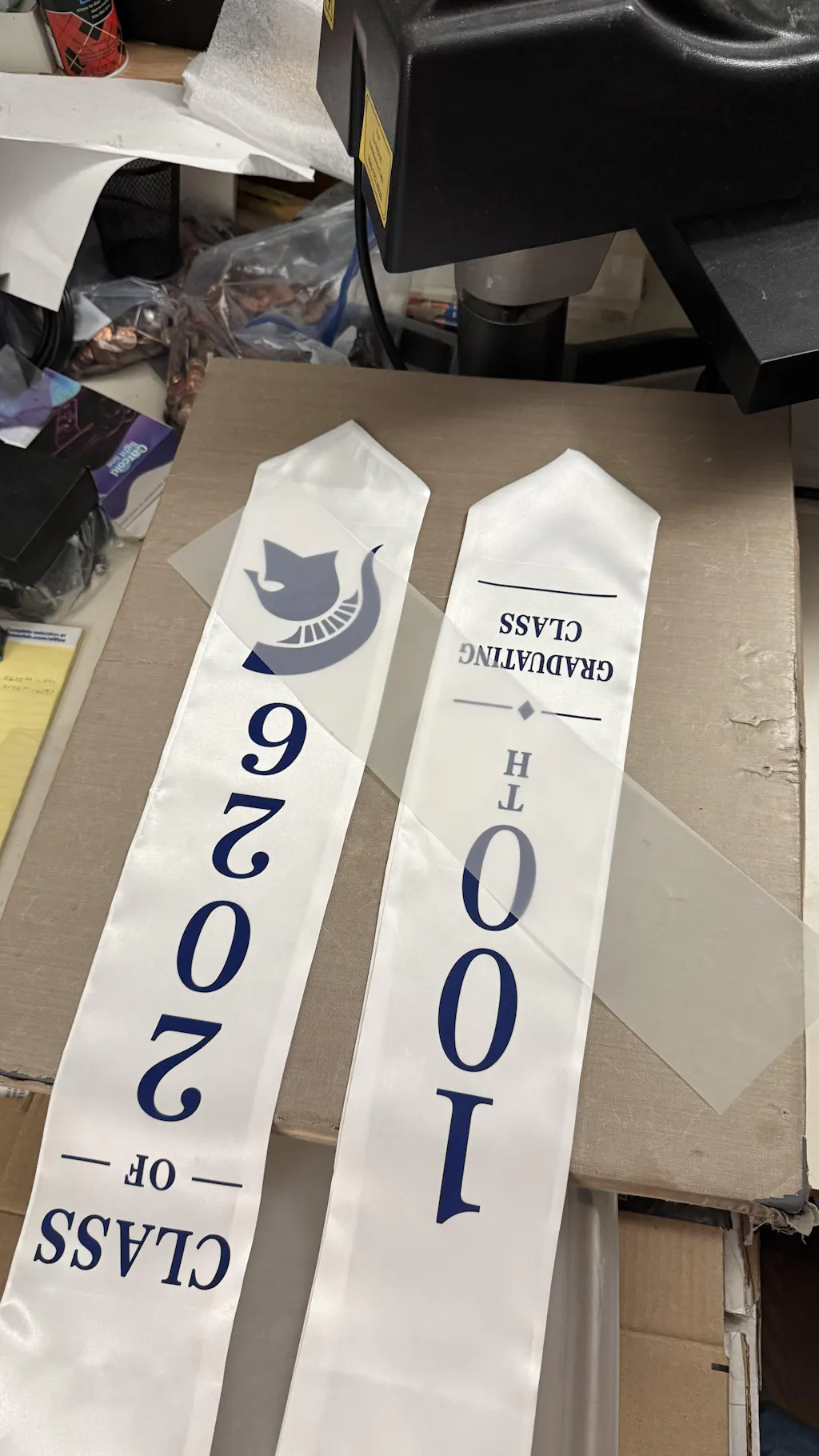
Place your DTF transfer film onto the garment with the printed side facing down. Ensure it is centered and straight. You can use heat-resistant tape to prevent the film from shifting when you close the press.
Step 3: The First Press
Cover the film with a Teflon sheet or parchment paper. Close the press and let it run for the full 10-15 seconds. Ensure your pressure is firm; the adhesive needs to be driven into the fabric fibers.
Step 4: The Cooling Phase (Critical!)
Most DTF films are "Cold Peel." Remove the garment from the press and wait for it to cool down completely to room temperature.
-
Do not peel while it is warm.
-
Peeling too early can cause the edges of the design to lift.
Step 5: Peeling the Film
Once completely cold, start from one corner and peel the film back in a smooth, consistent motion. The design should remain perfectly adhered to the fabric.
Step 6: The Second "Finishing" Press
This is the secret to a soft feel and high durability.
-
Place the garment back on the press.
-
Cover the design again with a Teflon sheet or a piece of parchment paper.
-
Press for another 5 to 8 seconds.
This "cures" the design further and pushes the ink deeper into the texture of the shirt.
Common Troubleshooting Tips
The Print is Peeling Off
-
Increase Pressure: Most failures are due to light pressure.
-
Check Temperature: Use an infrared thermometer to ensure your press is reaching the set heat.
The Fabric is Scorching
-
Use a Protective Sheet: Always use Teflon or parchment paper.
-
Reduce Time: Try 10 seconds instead of 15 if the fabric is very thin.
Bubbles in the Design
-
Moisture Issue: Ensure you don't skip the pre-heating step to remove humidity from the garment.
Maintenance for Longevity
To keep your DTF prints looking new, advise your customers to:
-
Wait 24 hours before the first wash.
-
Turn the garment inside out when washing.
-
Use cold or lukewarm water.
-
Avoid using bleach or harsh fabric softeners.
By following these steps, you can achieve retail-quality results that compete with traditional screen printing. Consistent testing is the best way to find the "sweet spot" for your specific equipment and fabric types.
DTF Transfers Near Me