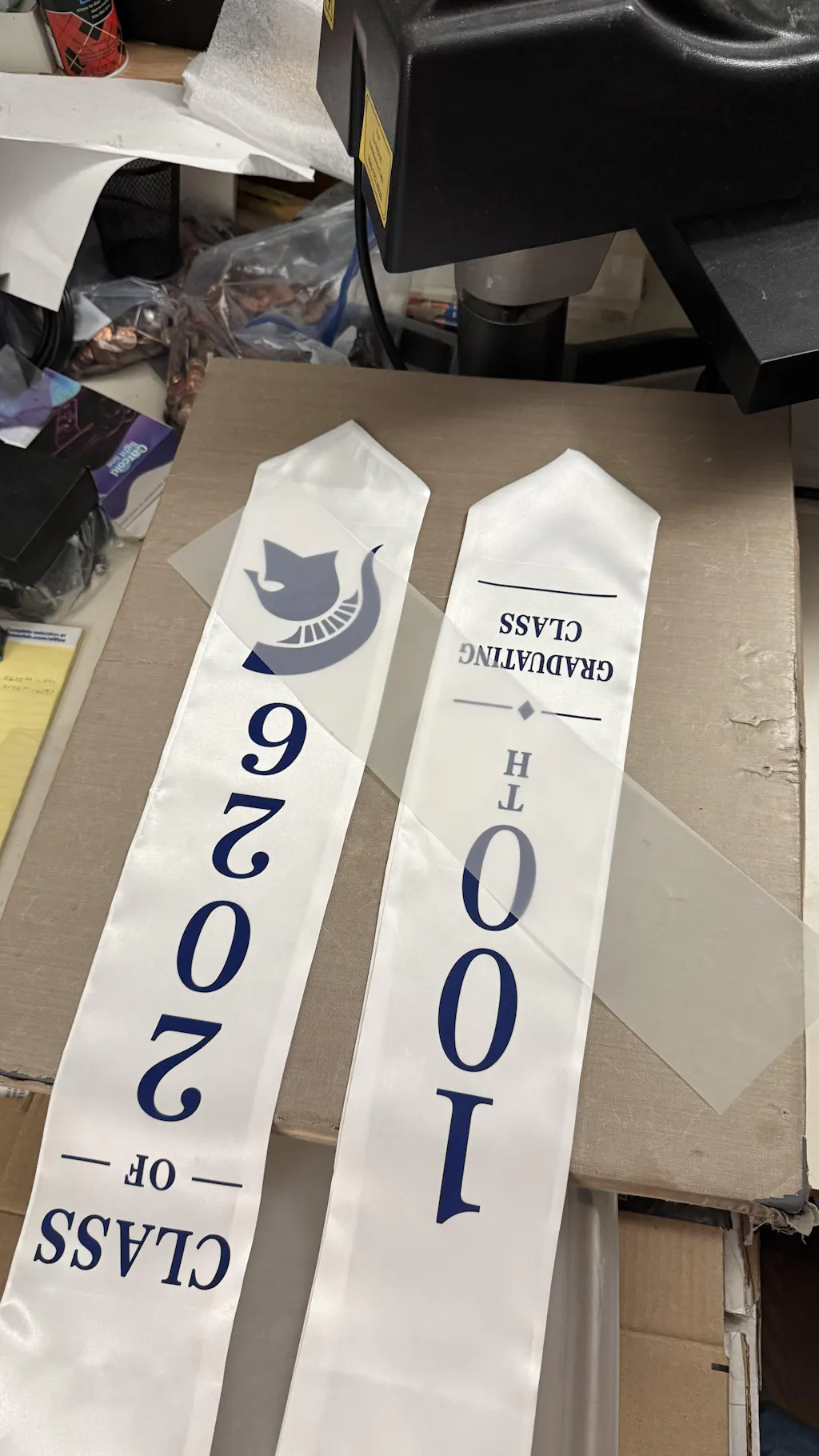
How to Press Transfer Film: A Professional Guide for Perfect Results
Pressing transfer film is the most critical step in the Direct to Film (DTF) process. This is the moment where your digital design becomes a permanent part of the fabric. Even with a perfect print, a poor pressing technique can lead to peeling, cracking, or fading after a few washes.
To achieve retail-quality durability, you must master the balance of heat, time, and pressure. This guide explains the professional workflow to ensure your transfers look vibrant and stay attached for the life of the garment.
While apparel uses heat, you can customize hard surfaces without a press using our
1. Prepare Your Equipment
Before you touch the film, ensure your heat press is calibrated correctly. Standard household irons are difficult to use for large designs, so a professional heat press is highly recommended.
-
Temperature: Set your press between 150°C and 160°C (300°F - 320°F).
-
Pressure: Adjust for medium-to-firm pressure. You should feel significant resistance when closing the press.
-
Timer: Set the countdown for 10 to 15 seconds.
2. The Pre-Press Step
Never skip the pre-press. Every fabric contains hidden moisture and wrinkles that can interfere with the adhesive bond.
-
Place the garment on the lower platen.
-
Press the empty garment for 3 to 5 seconds.
-
This creates a bone-dry, perfectly flat surface for the transfer film.
3. Position and First Press
Accuracy is everything in custom apparel. Take your time to align the design.
-
Alignment: Place the transfer film with the printed side down on the garment.
-
Protection: Cover the film with a Teflon sheet or parchment paper. This prevents the film from sticking to the top platen.
-
Execution: Close the press and let it run for the full 15 seconds.
4. The Cooling Phase (The Cold Peel)
Most professional DTF transfer films are designed as Cold Peel. This is the most common area where beginners make mistakes.
-
Remove the garment from the heat press.
-
Lay it on a flat surface and wait for it to be completely cold to the touch.
-
Do not attempt to peel while it is warm, as this will tear the design or leave adhesive residue.
-
Once cold, peel the film back in one smooth, continuous motion.
5. The Finishing Press (Post-Press)
The finishing press is what gives DTF its famous soft feel and extreme durability. It "locks" the ink fibers into the fabric.
-
Place the garment back on the press without the plastic film.
-
Cover the design with a Teflon sheet (for a glossy finish) or parchment paper (for a matte finish).
-
Press for a final 5 to 10 seconds.
-
This step ensures the edges are perfectly sealed and increases wash resistance.
Professional Tips for Best Results
-
Avoid Zippers and Buttons: These can create uneven pressure. Use a heat press pillow if necessary.
-
Check Your Fabric: For 100% polyester, lower the temperature to 140°C to avoid scorching the fabric.
-
Wait to Wash: Advise your customers to wait at least 24 hours before the first wash.
-
Inside Out: Always wash and dry DTF-printed garments inside out to protect the design.
Join the Fast DTF Transfer Community
At Fast DTF Transfer, we are committed to your success in the digital printing industry. We provide the technical knowledge and premium supplies needed to scale your business.
Follow us for more guides, live pressing demos, and industry news:
-
Facebook:
Fast DTF Print Official -
Instagram:
@fastdtftransfer -
YouTube:
Fast DTF Transfer Channel -
TikTok:
@fastdtftransfer