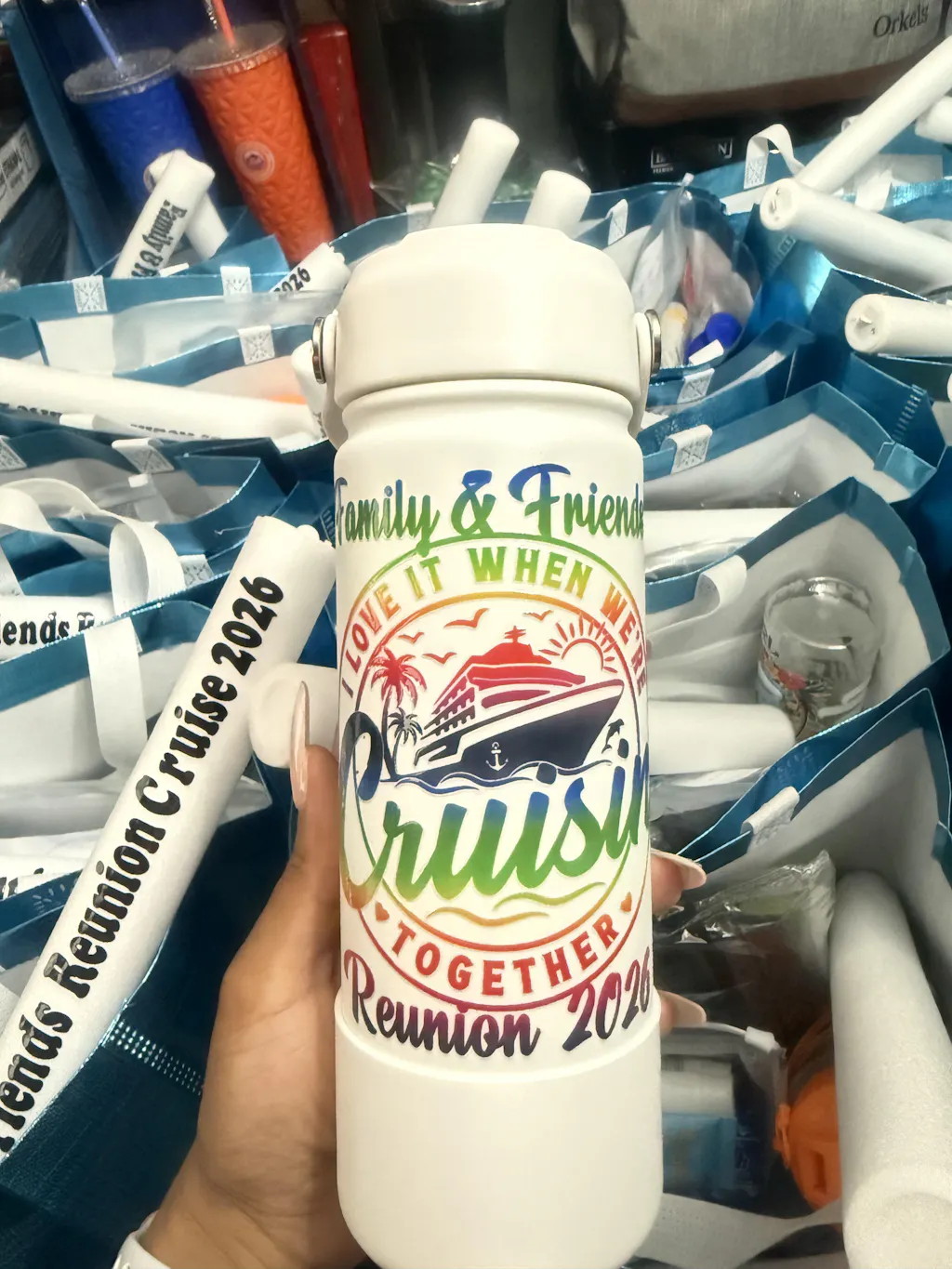
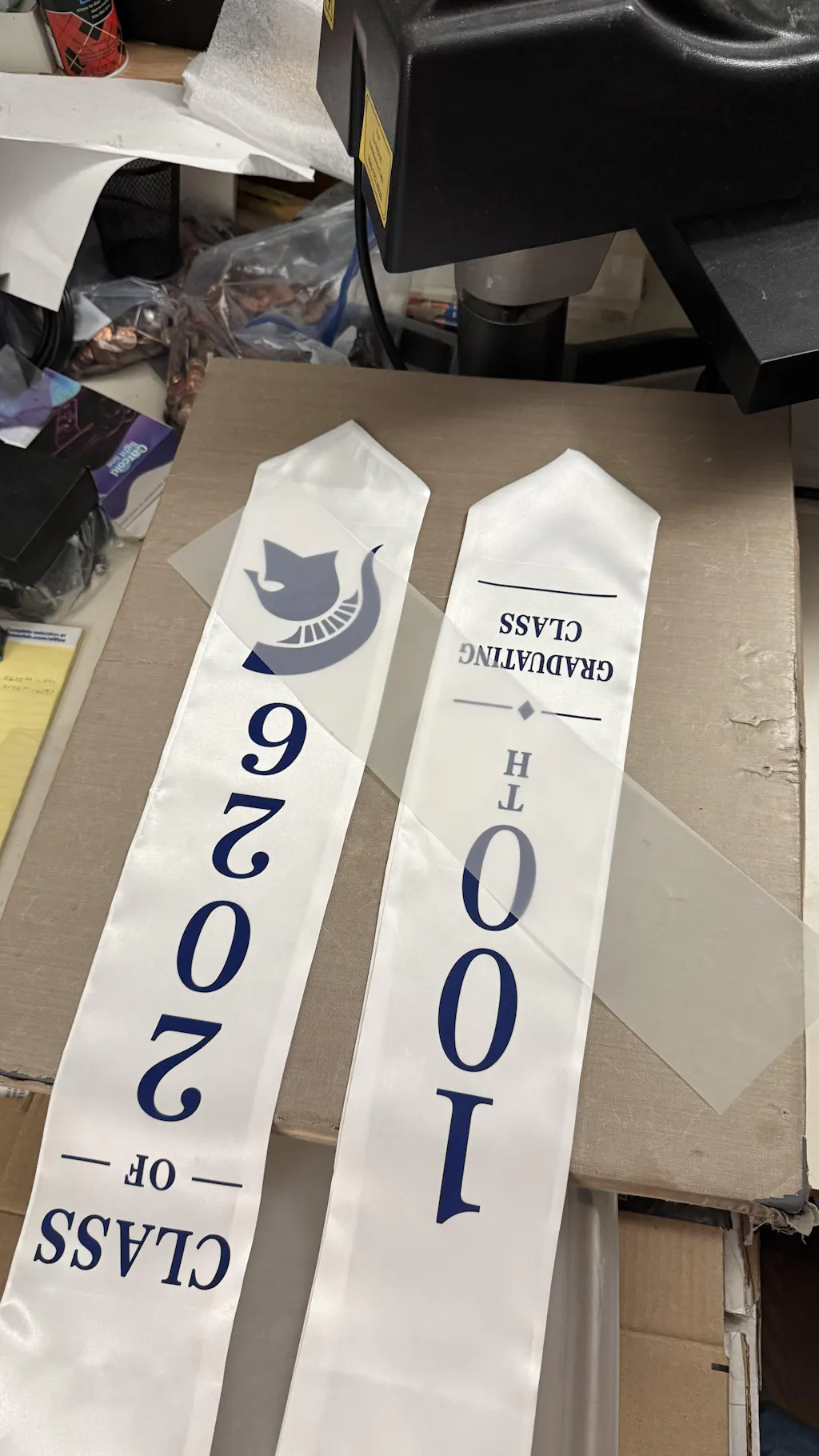
How to Print DTF Transfers at Home Printing DTF transfers at home is a powerful way to start a custom apparel business. It allows you to create vibrant, durable designs without investing in large industrial machines. With the right setup and workflow, you can achieve professional results from your own workspace.
This guide explains everything clearly. Sentences are short. Paragraphs are easy to read.
What is DTF Printing?
DTF stands for Direct-to-Film printing. It is a method where designs are printed onto a special film and then transferred onto fabric using heat and pressure.
This technology is part of Digital textile printing, which covers modern ink-based fabric printing systems.
In simple terms:
- The design is printed on film
- Adhesive powder is applied
- Heat activates the adhesive
- The design is pressed onto fabric
DTF works on cotton, polyester, blends, and more.
Why Print DTF Transfers at Home?
Home-based DTF printing is ideal for beginners and small businesses. It offers flexibility and lower startup costs.
Key advantages include:
- Low initial investment
- Ability to test designs quickly
- Full control over production
- Customization for small orders
If you want to skip the production process, many users choose ready-made transfers from Fast DTF Transfer.
What You Need to Get Started
Before printing at home, you need the right tools. Using proper materials ensures good results.
Essential Equipment
- Inkjet printer (converted for DTF)
- DTF inks (CMYK + White)
- PET transfer film
- Adhesive powder
- Heat press machine
- RIP software
If you prefer ready solutions instead of printing yourself, you can order from DTF Transfer Collection.
Understanding the Home DTF Workflow
DTF printing follows a structured process. Each step must be done correctly.
Workflow:
Design → Print → Powder → Cure → Press → Peel
Consistency is key.
Step-by-Step: How to Print DTF Transfers at Home
Let’s break down each step in detail.
Step 1: Create Your Design
Start with a high-quality design.
Follow these tips:
- Use 300 DPI resolution
- Keep the background transparent
- Use RGB color mode
- Mirror the design before printing
Design quality directly affects print quality.
Step 2: Prepare Your Printer
Your printer must be configured correctly.
Checklist:
- Use DTF inks only
- Ensure white ink is circulating
- Clean print heads regularly
- Use RIP software for correct layering
Proper setup prevents printing issues.
Step 3: Print on DTF Film
Load PET film into the printer.
Important points:
- Print on coated side
- Print CMYK colors first
- Print white ink layer last
This layering ensures strong and vibrant prints.
Step 4: Apply Adhesive Powder
Immediately after printing:
- Sprinkle powder over the wet design
- Cover all printed areas
- Shake off excess powder
The powder acts as a bonding agent.
Even application is critical.
Step 5: Cure the Transfer
Curing melts the adhesive powder and bonds it to the ink.
Typical settings:
- Temperature: 160–170°C
- Time: 2–3 minutes
You can use a curing oven or heat press hover method.
Step 6: Prepare the Garment
Before pressing:
- Pre-press for 5 seconds
- Remove moisture
- Smooth wrinkles
Flat fabric improves adhesion.
Step 7: Heat Press the Design
Place the film onto the garment.
Apply heat:
- Temperature: 150–165°C
- Time: 15–20 seconds
- Pressure: Medium
Do not move the film during pressing.
Step 8: Peel the Film
Peel method depends on film type.
- Cold peel → wait until cool
- Hot peel → peel immediately
Peel slowly for best results.
Step 9: Final Press
Perform a second press.
- 5–10 seconds
- Use parchment or Teflon
This improves durability and softness.
Common Mistakes to Avoid
Avoiding mistakes will save time and materials.
Wrong Ink
Do not use standard inkjet ink.
Uneven Powder
Leads to weak adhesion.
Incorrect Heat
Low heat causes peeling. High heat damages fabric.
Skipping White Ink
Colors appear dull on dark fabrics.
Poor Design
Low resolution results in blurry prints.
Pro Tips for Home DTF Printing
These tips will improve your results.
- Keep humidity low
- Store films properly
- Shake white ink daily
- Clean printer frequently
- Run test prints
Consistency is everything.
Inkjet vs Professional DTF Printer
Choosing the right setup depends on your needs.
Inkjet Conversion
Pros:
- Affordable
- Beginner-friendly
Cons:
- Requires modification
- Slower production
Professional DTF Printer
Pros:
- Faster workflow
- Higher consistency
Cons:
- Higher cost
For many home users, outsourcing to Fast DTF Transfer is a practical alternative.
When to Use Ready-Made Transfers
Printing at home is not always the best option.
Ready-made transfers are useful when:
- You need fast turnaround
- You want consistent quality
- You want to avoid maintenance
You can explore options here: DTF Transfer Collection.
Advantages of Home DTF Printing
Home DTF printing offers many benefits.
- Full control over designs
- Flexible production
- Lower cost for small runs
- Ability to experiment
It is ideal for beginners.
Limitations of How to Print DTF Transfers at Home
There are also challenges.
- Learning curve
- Printer maintenance
- White ink management
- Slower production
Understanding these helps set expectations.
Real-World Applications
DTF printing is widely used.
Common products:
- T-shirts
- Hoodies
- Tote bags
- Sportswear
- Promotional items
It works on almost all fabrics.
Maintenance Tips
Proper maintenance improves results.
- Clean print heads regularly
- Store inks properly
- Keep workspace dust-free
- Use fresh powder and film
Maintenance ensures consistency.
Cost Breakdown
Starting at home typically costs:
- Printer: $300–$1000
- Heat press: $200–$500
- Supplies: $100–$300
Total: $600–$1500
This is affordable compared to industrial setups.
Final Thoughts
How to Print DTF Transfers at Home Printing DTF transfers at home is a great way to enter the custom printing industry. It offers flexibility and creative control.
Success depends on:
- Using correct materials
- Following each step carefully
- Maintaining your equipment
If you want to simplify your workflow, using services like Fast DTF Transfer can save time and deliver consistent results.