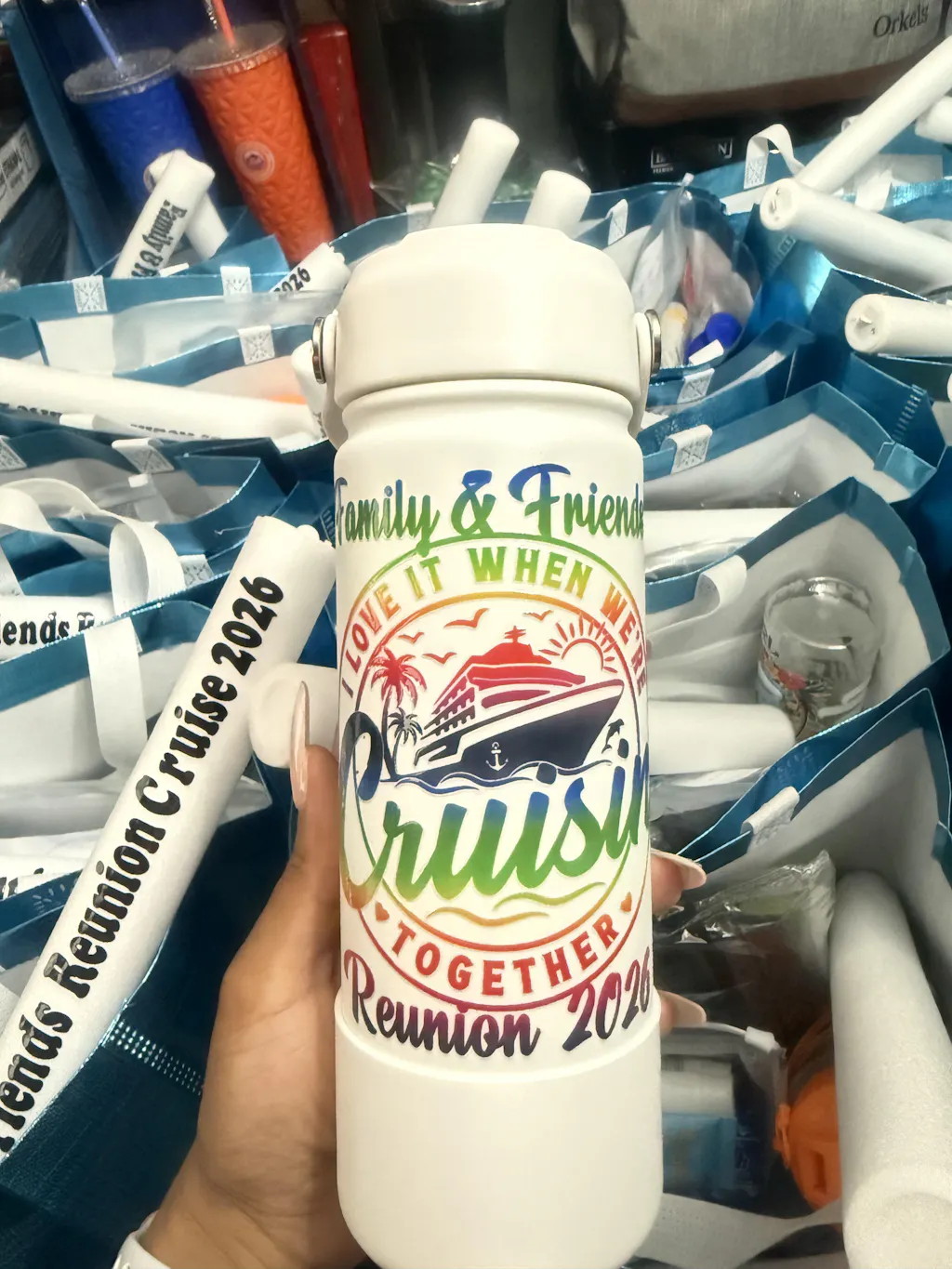
Understanding how long to press DTF transfers is critical for achieving high-quality, long-lasting prints. Even if your design is perfect, incorrect press time can ruin the final result. Short pressing leads to weak adhesion. Over-pressing can damage both the fabric and the design.
DTF (Direct-to-Film) printing is part of Digital textile printing. This method allows designs to be transferred onto fabric using heat and pressure. If you want to explore the technical background, you can also read about Heat transfer, which explains how heat activates adhesives.
This guide explains everything step by step. Sentences are short. Paragraphs are easy to follow.
Why Press Time Matters in DTF Transfers
Press time directly affects adhesion.
If you press too short:
- Adhesive does not fully activate
- Design may peel after washing
- Colors may look dull
If you press too long:
- Fabric may scorch
- Design can become brittle
- Colors may distort
Correct timing ensures balance.
Standard DTF Press Time
The most common press time is:
15 to 20 seconds
This range works for most fabrics.
Standard settings:
- Temperature: 150–165°C
- Time: 15–20 seconds
- Pressure: Medium
These values are widely used in the industry.
Factors That Affect Press Time
Press time is not always fixed. It depends on several variables.
1. Fabric Type
Different fabrics react differently to heat.
- Cotton: absorbs heat well
- Polyester: sensitive to high heat
- Blends: require balanced settings
Polyester often needs slightly lower temperature but similar time.
2. Heat Press Machine
Not all machines are equal.
- Cheap presses may have uneven heat
- Industrial presses are more accurate
If your machine is inconsistent, you may need to adjust time slightly.
3. Transfer Film Type
There are different peel types:
- Cold peel
- Warm peel
- Hot peel
Each type may require slight timing adjustments.
4. Pressure Level
Pressure works together with time.
- Low pressure → longer time may be needed
- High pressure → standard time works best
Always aim for medium, even pressure.
Step-by-Step Pressing Process
To get perfect results, follow this process carefully.
Step 1: Pre-Press the Garment
Pre-press for 5 seconds.
This removes moisture and wrinkles.
Skipping this step can affect adhesion.
Step 2: Position the Transfer
Place the film correctly.
- Design facing up
- Straight alignment
- No movement
Accuracy matters here.
Step 3: Main Press (15–20 Seconds)
Apply heat using recommended settings.
- Do not open early
- Ensure full pressure
- Keep temperature stable
This is the most critical step.
Step 4: Wait Before Peeling
Peeling depends on film type.
- Cold peel → wait until fully cool
- Warm peel → wait 5–10 seconds
- Hot peel → peel immediately
Wrong timing can damage the design.
Step 5: Second Press (5–10 Seconds)
Always finish with a second press.
- Use Teflon or parchment paper
- Press for 5–10 seconds
This step improves durability and softness.
Fabric-Specific Press Time Guide
Here is a quick reference table.
| Fabric Type | Time | Temperature |
|---|---|---|
| Cotton | 15–20 sec | 160°C |
| Polyester | 15 sec | 150°C |
| Blends | 15–18 sec | 155°C |
Always test before production.
Common Press Time Mistakes
Avoid these errors.
Pressing Too Short
Leads to peeling after washing.
Pressing Too Long
Causes design cracking.
Skipping Second Press
Reduces durability.
Incorrect Cooling Time
Ruins the finish.
Pro Tips for Perfect Timing
These tips help improve results.
- Always use a timer
- Keep settings consistent
- Test on sample fabric
- Avoid guessing press time
- Maintain your heat press regularly
Consistency leads to professional quality.
Should You Use Ready DTF Transfers?
If you want consistent results, ready-made transfers are a great option.
They eliminate printing errors.
You can order high-quality transfers here:
Fast DTF Transfer
You can also browse available options:
DTF Transfer Collection
Using professional transfers reduces mistakes.
How Press Time Affects Durability
Correct press time improves wash resistance.
Properly pressed designs:
- Do not crack
- Do not peel
- Stay vibrant
Incorrect timing shortens lifespan.
Comparing DTF Press Time with Other Methods
DTF is faster than many alternatives.
Screen Printing
Requires curing time.
Heat Transfer Vinyl
Needs weeding and longer prep.
Sublimation
Limited to polyester.
DTF offers a balance of speed and flexibility.
Troubleshooting Press Time Issues
Here is how to fix common problems.
Design Peeling
Increase press time slightly.
Design Too Hard
Reduce press time or temperature.
Uneven Transfer
Check pressure, not just time.
Advanced Tip: Test Swatches
Before full production, test small samples.
This helps you:
- Find perfect timing
- Avoid waste
- Ensure consistency
Professionals always test first.
Environmental Factors
Room conditions also matter.
- High humidity affects adhesion
- Cold rooms require stable heat
Always work in a controlled environment.
Cost of Mistakes
Incorrect press time leads to losses.
- Wasted garments
- Reprints
- Customer dissatisfaction
Learning proper timing saves money.
Final Thoughts
So, how long should you press DTF transfers?
The ideal time is 15–20 seconds.
But always adjust based on:
- Fabric type
- Machine quality
- Film type
Precision is key.
If you want consistent and professional results without trial and error, using trusted services like Fast DTF Transfer is a smart choice.