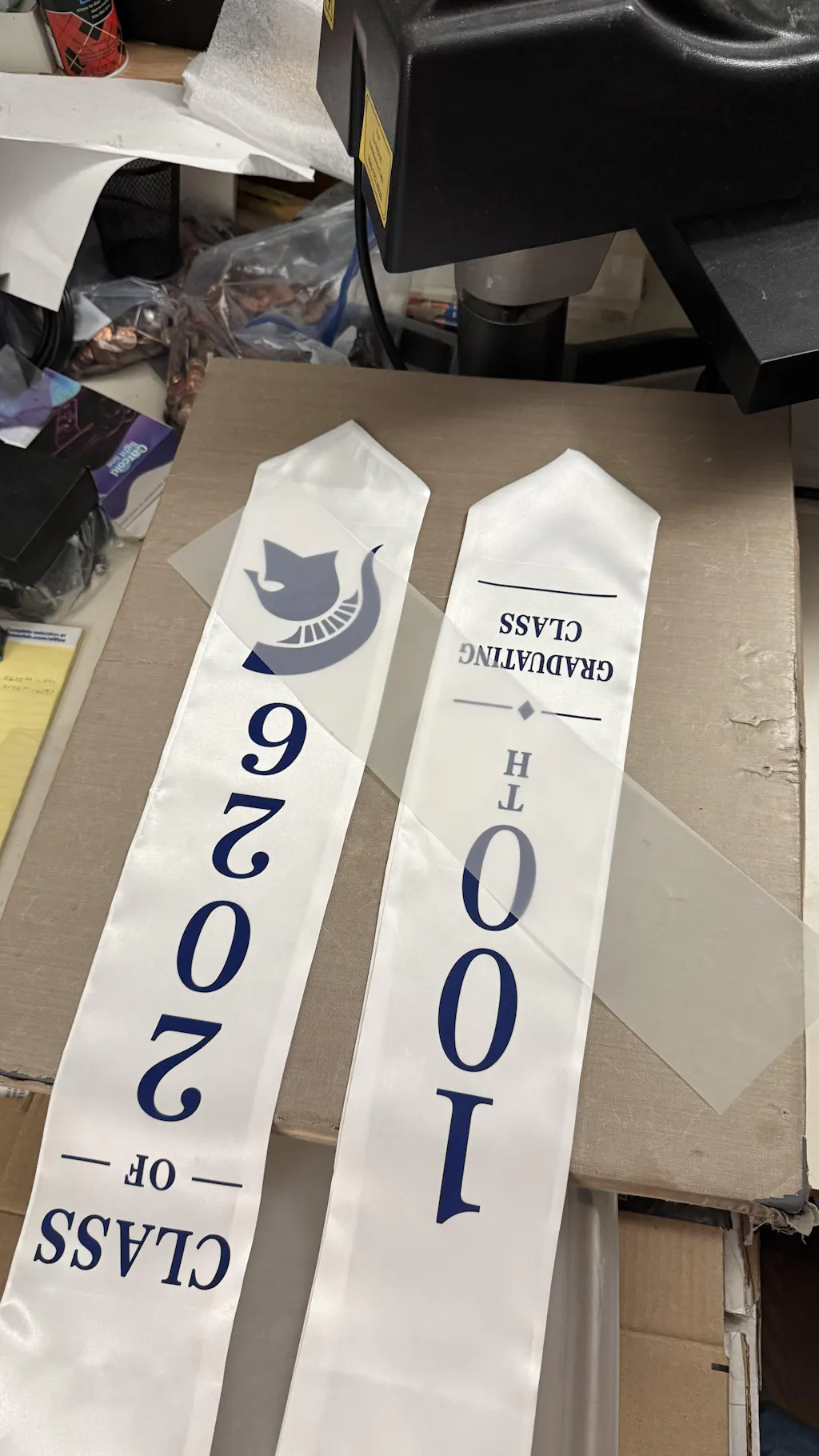
Print DTF Transfers: A Comprehensive Professional Guide
Print DTF Transfers has revolutionized the custom apparel industry. It offers a versatile alternative to screen printing and DTG. By printing directly onto a special film, you can create durable, vibrant transfers that apply to almost any fabric.
To achieve high-end, retail-quality results, you must follow a precise technical workflow. This guide outlines the professional steps for printing DTF transfers that look great and last through countless washes.
For those looking to expand into hard-surface customization, our
1. Preparing Your Digital Artwork
The quality of your print starts with the digital file. A low-resolution image will lead to a blurry transfer.
-
Resolution: Use high-resolution graphics, ideally at 300 DPI.
-
File Format: Save your artwork as a PNG or TIFF with a transparent background.
-
RIP Software: Use specialized Raster Image Processing (RIP) software to manage ink density and white ink layers.
-
Mirroring: In your software settings, always remember to mirror your image before printing.
2. The Printing Process
Once your file is ready, it is sent to a dedicated DTF printer. This process uses a specific layering technique.
-
Color Layer: The printer first applies the CMYK colors onto the PET film.
-
White Layer: Immediately after, a solid layer of white ink is printed over the colors.
-
Function: The white ink acts as a base, making the colors pop on dark fabrics and providing a surface for the adhesive to stick to.
3. Applying the Adhesive Powder
While the white ink is still wet, you must apply the TPU adhesive powder. This is the "glue" that bonds the design to the garment fibers.
-
Coating: Sprinkle the powder over the wet film until the entire design is covered.
-
Shaking: Gently shake or flick the film to remove any excess powder from the unprinted areas.
-
Uniformity: Ensure there are no clumps and that the coverage is even across the design.
4. Curing the Transfer
The adhesive powder must be melted into a solid layer. This is known as curing.
-
Oven Method: Place the film in a DTF curing oven at 110°C to 125°C for 2 to 3 minutes.
-
Heat Press Method: If using a heat press, hover the top platen 1 cm above the film without touching it.
-
The Result: The powder should melt until it has a glossy, "orange peel" texture. Over-curing can make the transfer brittle, so monitor the time closely.
5. Storage and Final Application
One of the best features of DTF is that you can print transfers now and use them later.
-
Storage: Keep cured transfers in a cool, dry place. A sealed bag with silica packets is ideal for long-term storage.
-
Pressing: When ready, press the transfer onto the garment at 150°C - 160°C for 15 seconds.
-
The Peel: Most professional films are Cold Peel. Wait until the film is completely cold before removing the plastic sheet.
Maintenance Tips for Print DTF Transfers
-
White Ink Circulation: Always shake your white ink tanks daily to prevent pigment settling.
-
Daily Cleaning: Run a nozzle check and clean the printhead every day to avoid clogs.
-
Environmental Control: Keep your workspace between 40% and 60% humidity to keep the ink flowing smoothly.
Join the Fast DTF Transfer Community
At Fast DTF Transfer, we provide the expertise and premium supplies you need to master digital decoration. Whether you are running an industrial shop or a home business, we are your partner in quality.
Follow us for more guides, tutorials, and industry news:
-
Facebook:
Fast DTF Print Official -
Instagram:
@fastdtftransfer -
YouTube:
Fast DTF Transfer Channel -
TikTok:
@fastdtftransfer