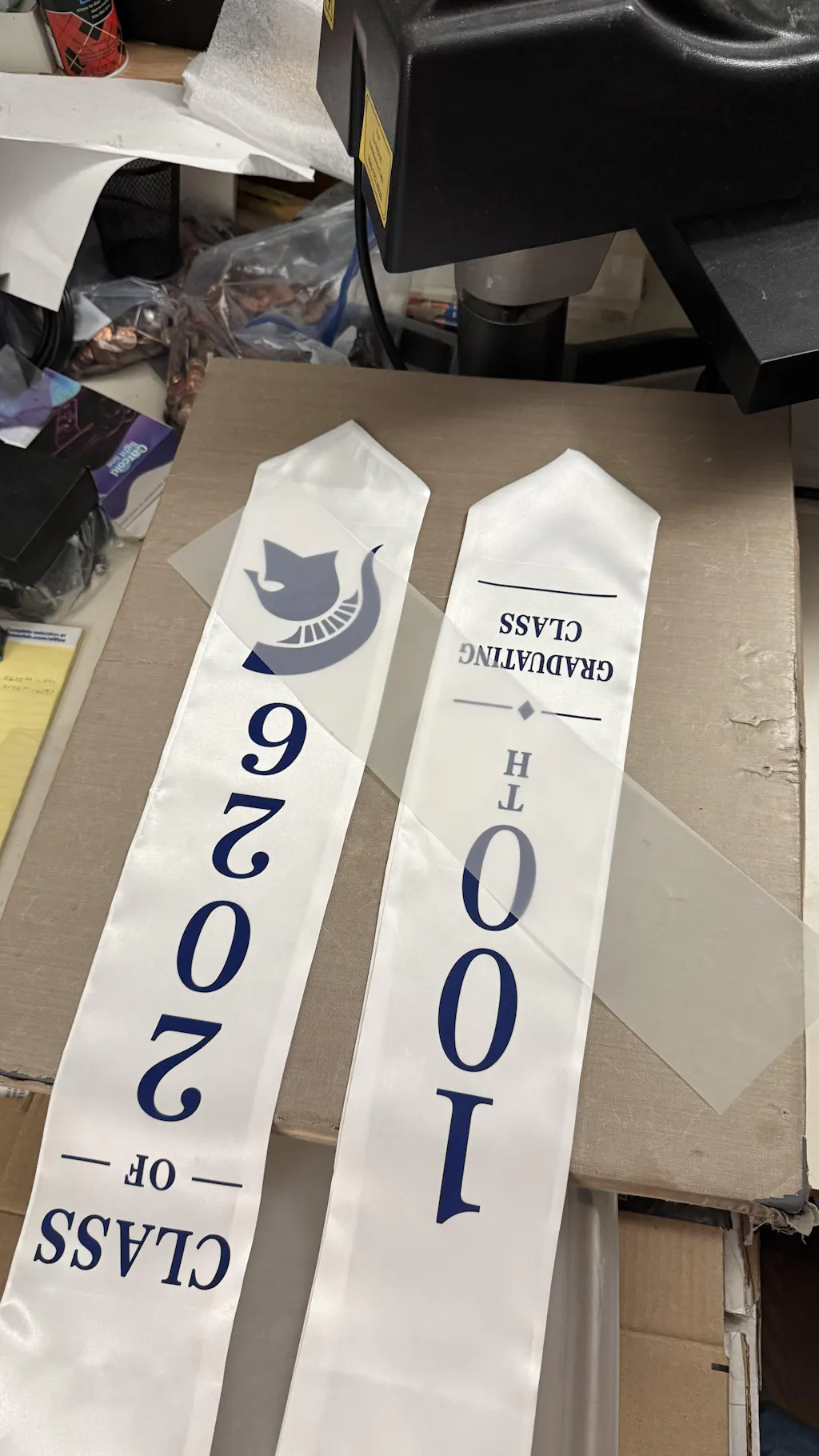
DTF Transfers: A Professional Step-by-Step Guide
Printing Direct to Film DTF Transfers is a game-changer for the custom apparel industry. This technology allows you to create high-quality, stretchable designs that can be applied to almost any fabric. Unlike traditional methods, DTF offers incredible color vibrance and durability without the high setup costs of screen printing.
To achieve professional results, you must follow a precise technical workflow. This guide outlines the essential steps to master the art of printing DTF transfers.
To ensure your designs bond perfectly to the fabric, use high-quality
1. Preparing Your Digital Artwork
The quality of your physical print depends on your digital file. Always start with high-resolution graphics.
-
Format: Use PNG or TIFF files with a transparent background.
-
Resolution: Ensure your design is at least 300 DPI for sharp details.
-
Mirroring: In your RIP software, you must mirror the image horizontally before printing.
-
Software: Use dedicated RIP software to manage the white ink layer and color density.
2. The Printing Process
Once your file is ready, it is sent to a specialized DTF printer. This process uses a unique layering technique.
-
CMYK Layer: The printer first applies the colored inks onto the matte side of the PET film.
-
White Layer: Immediately after, a solid layer of white ink is printed over the colors.
-
Purpose: The white ink acts as a base, making the colors stand out on dark fabrics and providing a surface for the adhesive to stick to.
3. Applying and Curing the Powder
While the white ink is still wet, you must apply the adhesive powder. This is the "glue" of the transfer.
-
Coating: Sprinkle the adhesive powder over the wet film until the design is fully covered.
-
Shaking: Gently shake the film to remove any excess powder from unprinted areas.
-
Curing: Heat the film in a curing oven or under a heat press at 110°C - 125°C for 2 to 3 minutes.
-
Finish: The powder should melt until it looks like a glossy "orange peel" texture.
4. Heat Pressing onto the Garment
This is the final stage where the design becomes part of the clothing.
-
Temp and Time: Set your heat press to 155°C (310°F) for 15 seconds.
-
Pressure: Use medium-to-firm pressure to ensure the adhesive penetrates the fabric fibers.
-
The Cold Peel: Most professional films are Cold Peel. Wait until the film is completely cold before removing the plastic sheet.
-
Finishing Press: After peeling, press for another 5 seconds with a Teflon sheet to lock the design in.
Maintenance Tips for Quality Control
-
Daily Cleaning: Run a nozzle check every day to prevent white ink clogs.
-
Ink Management: Gently shake your ink tanks daily to prevent pigment settling.
-
Environment: Keep your printing room between 40% and 60% humidity for optimal ink flow.
Join the Fast DTF Transfers Community
At Fast DTF Transfer, we provide the knowledge and premium supplies needed to grow your printing business. Whether you are a beginner or a pro, we are your partner in quality.
Follow us for more guides, tutorials, and industry updates:
-
Facebook:
Fast DTF Print Official -
Instagram:
@fastdtftransfer -
YouTube:
Fast DTF Transfer Channel -
TikTok:
@fastdtftransfer